In this guide
There is no universal winner. Follow the employer's requested format first. When either file type is accepted, a clean PDF preserves appearance while a simple DOCX remains easy to parse and edit. The construction of the file matters more than the extension alone.
The short version
- Always follow an explicit file-format instruction.
- Use PDF when layout stability matters and you have verified its text layer.
- Use DOCX when requested or when a portal warns that PDF is unsupported.
The job posting wins
If an application asks for DOCX, send DOCX. If it asks for PDF, send PDF. A format instruction may reflect the employer's workflow, not the theoretical capability of the underlying parser.
When a portal accepts both, look for any preview or parsed profile it creates after upload. Correct errors there if the system allows it, because that rendered record is direct evidence of what the application received.
PDF preserves the submitted appearance
A PDF generally keeps fonts, line breaks, and pagination stable across devices. That makes it useful when a human will download or print the resume.
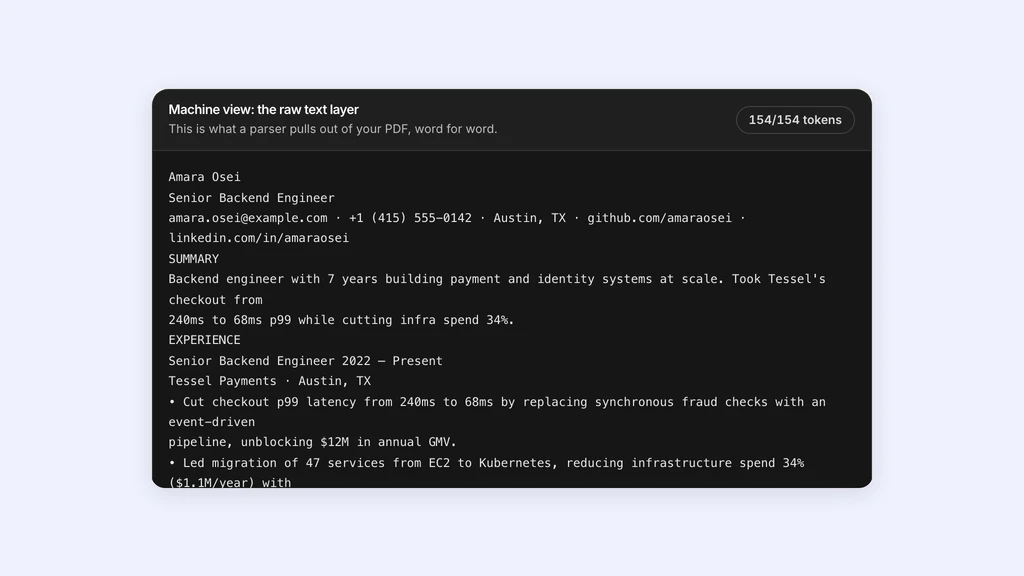
The tradeoff is that PDF content can be encoded in ways that extract poorly. Scanned pages may contain only images. Design-heavy exports can fragment words or create ambiguous reading order. A PDF should therefore be tested as text, not trusted because it looks correct.
- Prefer a text-based export rather than printing and scanning.
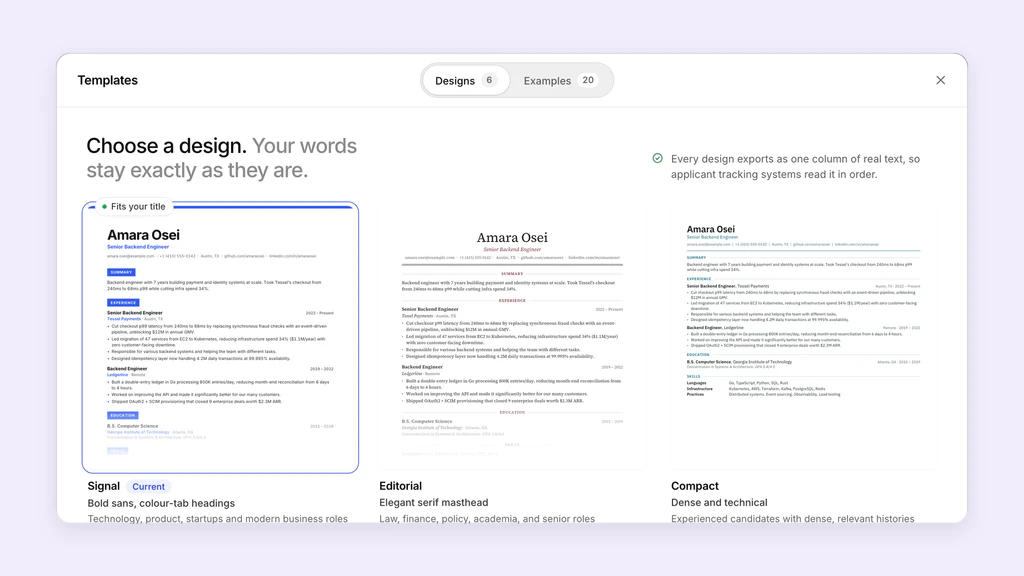
- Use standard fonts and a straightforward single-column structure.
- Confirm that all text is selectable and searchable.
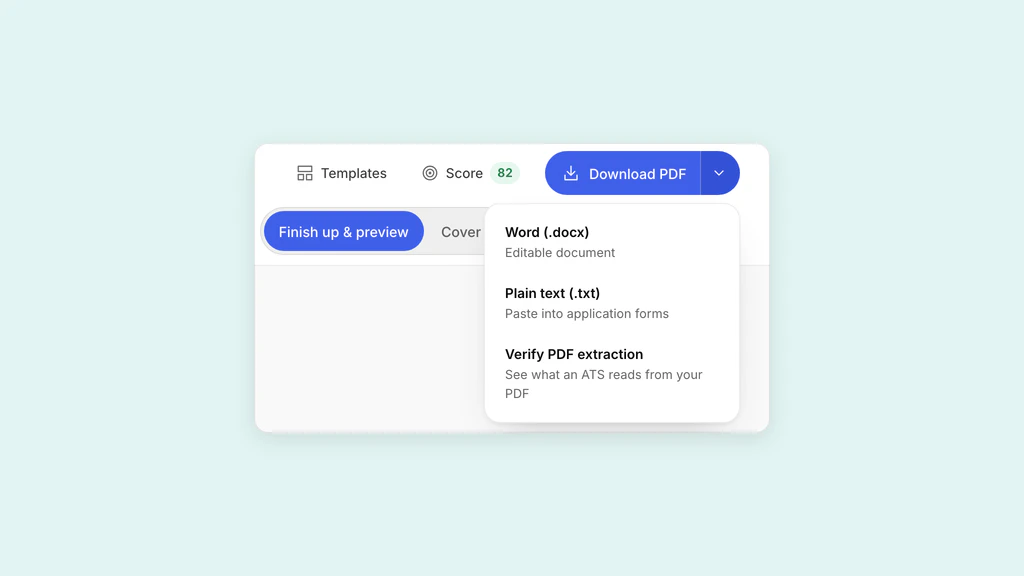
- Extract the final file and inspect its order before submission.
DOCX exposes document structure but can reflow
DOCX stores document content and structure in an Office Open XML package. That can make paragraphs, lists, and headings directly available to compatible software.
Its appearance can vary when fonts are missing, compatibility differs, or layout depends on floating elements. A DOCX built with tables, text boxes, headers, and manual spacing can still produce a poor result. Use ordinary paragraphs and list styles, then reopen the file in a second compatible viewer if possible.
Use a simple decision rule
Choose the requested format. If no preference is stated and both upload successfully, a verified PDF is a reasonable default for layout stability. Keep a clean DOCX version ready for portals or recruiters that request it.
- Explicit instruction: send exactly that format.
- Emailing a recruiter with no preference: send a tested PDF.
- Legacy portal or PDF warning: use a simple DOCX.
- Scanned or image-only PDF: replace it with a text-based PDF or DOCX.
- Either format: inspect the uploaded preview and parsed fields when available.
Maintain one source of truth
Keep the wording identical across your PDF and DOCX versions. Format drift creates avoidable errors: an updated date in one file, an old phone number in another, or different bullets depending on which version you attach.
Generate both from one current source when possible, name them clearly, and run a final text check after every export.
Sources and further reading
- Supported file formats, Textkernel
- Office Open XML overview, Microsoft Learn
- PDF.js, Mozilla
Put it into practice on a real resume.
Each example is a complete resume with role keywords and bullets that show proof. Open one in the Studio and make it yours, then download it with a free account.