In this guide
Columns are not automatically unreadable, and a simple table does not automatically fail. The problem is uncertainty: visual layout does not guarantee a logical text sequence. When core resume facts are split across positioned containers, extraction becomes more dependent on the parser's reconstruction rules.
The short version
- Visual proximity does not prove that text is encoded in the same order.
- Sidebars are risky when they contain contact details, skills, or dates needed for context.
- A single-column fallback is the simplest way to reduce reading-order ambiguity.
A page can have more than one reading order
Humans use alignment and whitespace to decide where to look next. Software may instead follow the order in which text objects were written into the file, their coordinates, a document tag tree, or a combination of those signals.
That distinction matters in a two-column resume. A person may read the complete left column and then the right sidebar. An extractor may read each horizontal band across both columns, producing a sequence that mixes a job description with unrelated skills or contact details.
Text boxes and tables create separate containers
Design tools make it easy to drag independent text boxes around a page. Their visual placement can change without changing the underlying object order. A heading that appears above a paragraph may have been created after it and stored later in the file.
Tables can preserve a useful order when they are simple and authored well, but merged cells, nested tables, and invisible layout grids add structure that extraction software must interpret. Resume templates often use tables only to achieve alignment, so the complexity provides little semantic benefit.
The issue is not that every parser rejects columns. It is that you cannot infer reliable extraction from appearance alone.
Logical structure helps more than visual cleverness
Accessible PDF guidance emphasizes searchable text, headings, tags, and a meaningful reading order. ATS parsing and accessibility are not the same task, but they benefit from the same underlying property: content that remains understandable when separated from its visual styling.
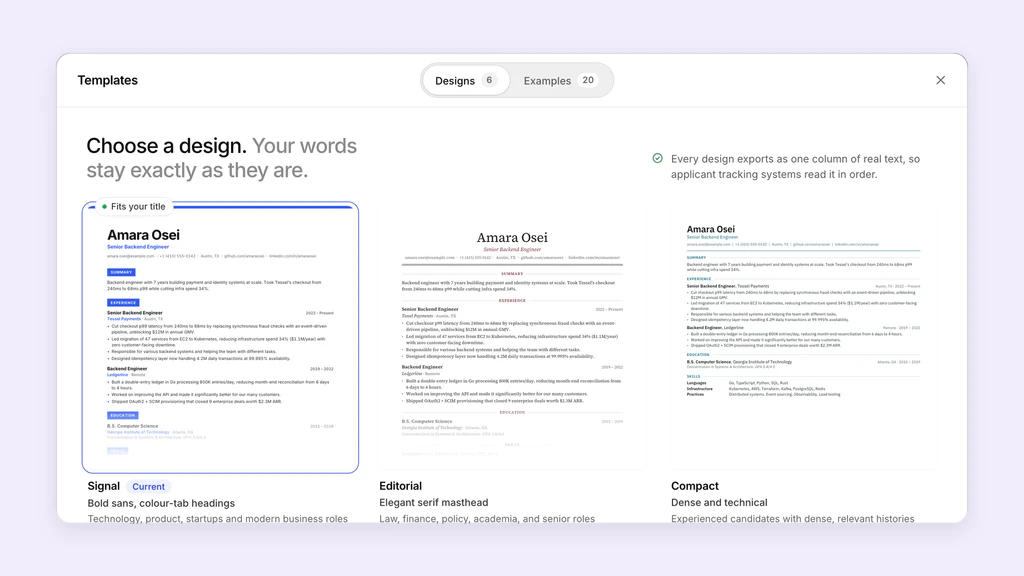
A document can be visually sophisticated and structurally sound, but producing that result requires more care than choosing a template. For most job seekers, reducing layout complexity is the more reliable tradeoff.
Test the reading order, not the template label
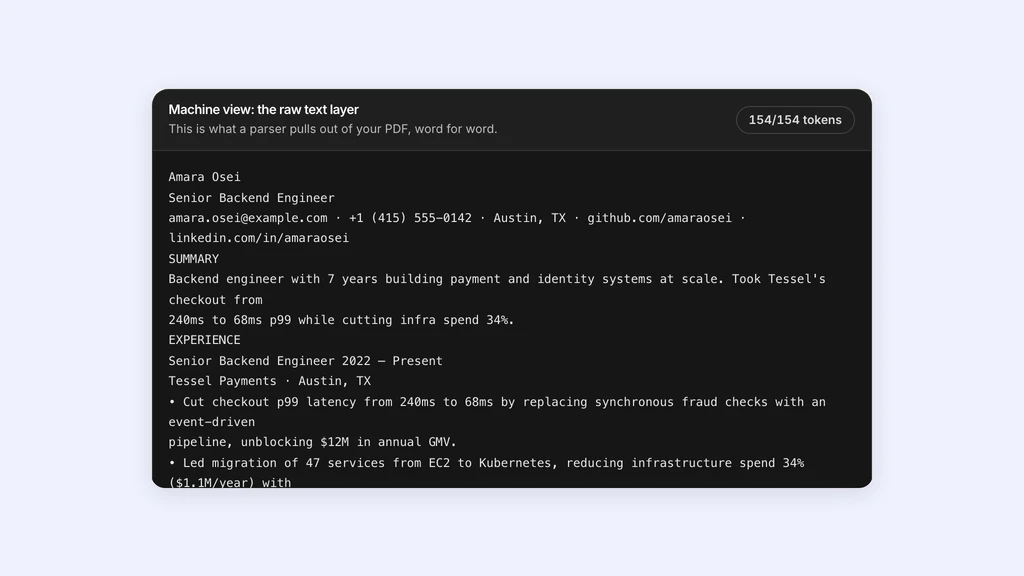
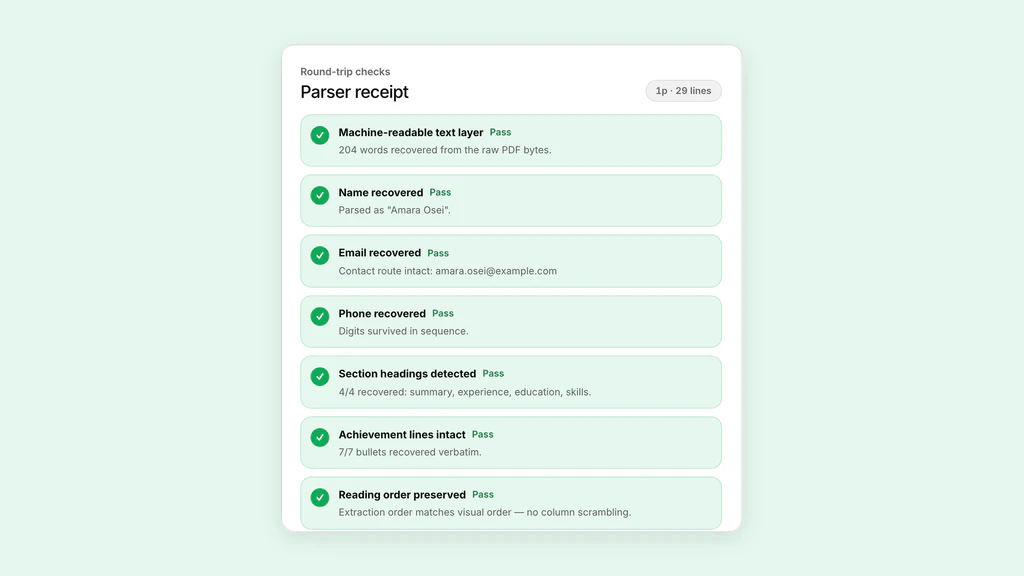
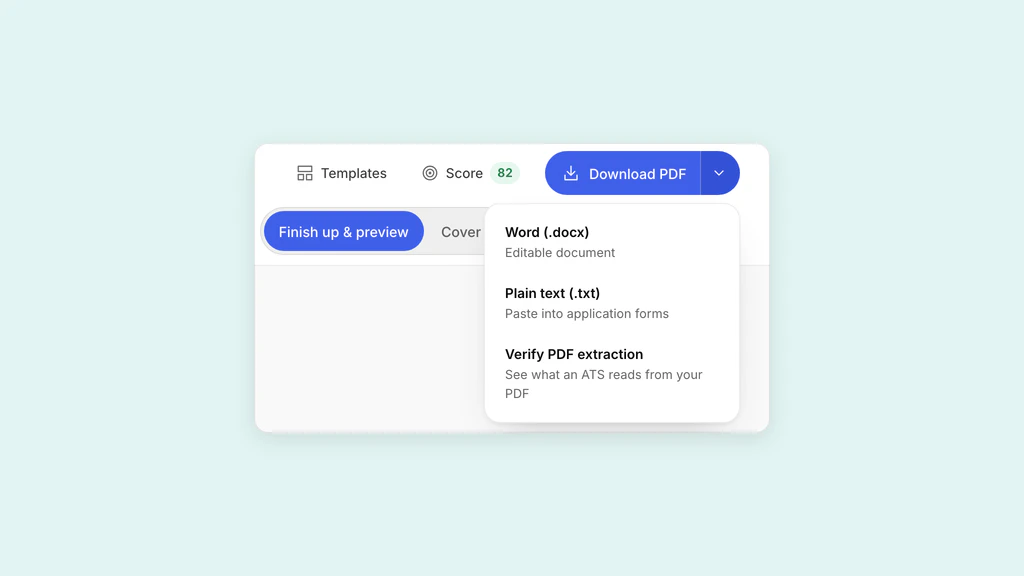
Export the resume, extract its text, and read the result without looking at the page. Ask whether a stranger could reconstruct your employment history from that sequence alone.
If sections interleave, rebuild the layout with one content column and inline dates. If extraction is complete and ordered, the presence of a modest visual accent is less important than the evidence from the actual file.
Sources and further reading
- PDF Techniques for WCAG 2.2, W3C
- Techniques for Accessible PDF, PDF Association
- Create and verify PDF accessibility, Adobe
Put it into practice on a real resume.
Each example is a complete resume with role keywords and bullets that show proof. Open one in the Studio and make it yours, then download it with a free account.